

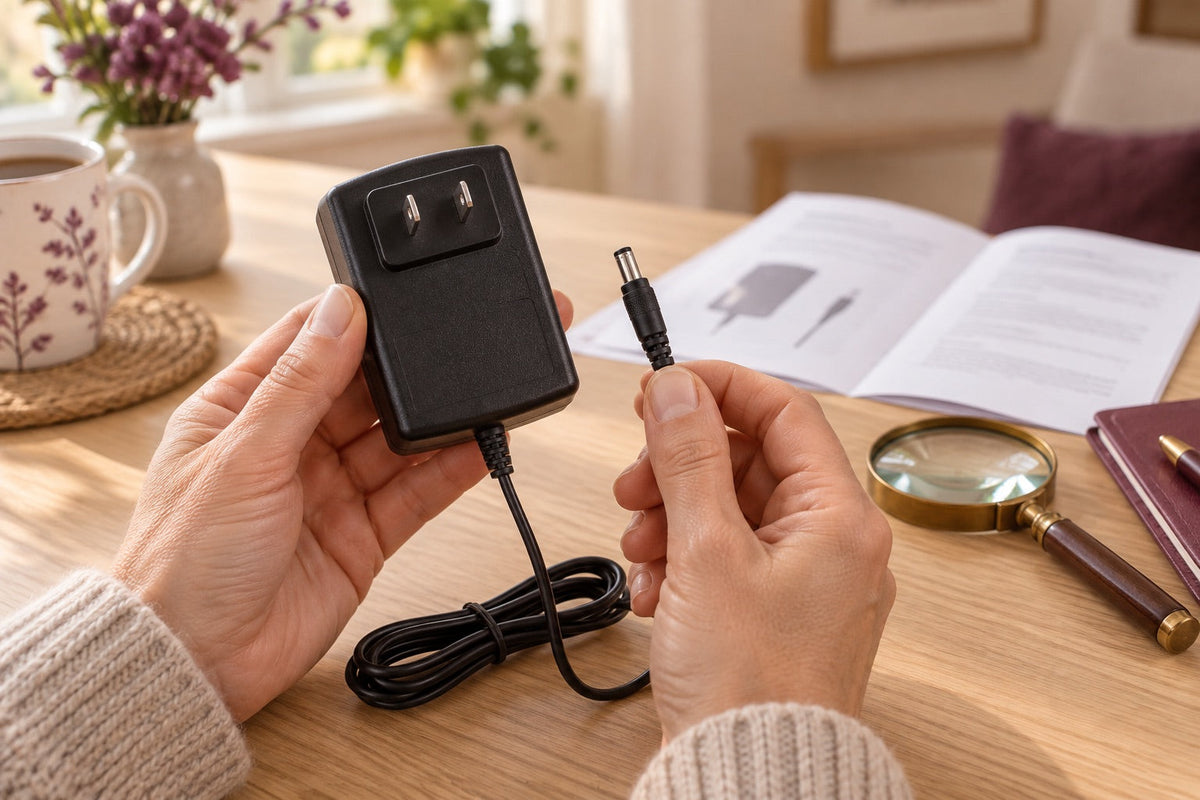
Choose a replacement part by confirmed compatibility, not by its appearance in a photograph. Two adapters can look alike yet have different electrical specifications. Two covers can look similar but use different fittings. Start by identifying the device, the part you need and the information that must match. This makes it easier to ask a clear question and assemble a compatible set without improvised connections, modifications or trial-and-error plugging.
The model code and confirmed specifications matter more than appearance. A connector that fits is not proof of electrical compatibility.
Find the device’s model code
Look for the label placed on the product, its user manual or purchase documents. The trade name can be grouped into several versions; the model code helps to distinguish them. Photograph the label in a legible way, without including unnecessary personal information. Also keep the name of the variant and, if relevant to the request, the date of purchase.
If the label is damaged, gather several clues rather than guessing the reference from an image. An overview, a photo of the orders and the invoice can help the support. Do not consider a number present on the packaging as the model code without checking its meaning. A correct identification is the first condition of a coherent replacement.
Describe the part and the problem
Distinct a lost, worn, damaged or supposed defective part. A power supply that seems to no longer work can also be associated with a problem with the socket or device; it is better to describe the observed facts than to immediately conclude a failure. Indicate the tests already carried out in accordance with the user manual, without multiplying the connections with other accessories.
For a cover, remote control or toe cap, specify the fasteners and useful dimensions if requested. A photo of the part next to its location may clarify the need. Avoid disassembling an internal part only to obtain a measurement. Some interventions must remain carried out according to the manufacturer's procedure or by a competent service.
Read all power-supply specifications
On an adapter, distinguish the input and output indications. The voltage, current, type of current, polarity and connector may be involved in the compatibility. A mention like “4.0 A” is not enough to identify a power supply suitable for all devices. The outer shape of the block does not provide any more guarantee.
Do not choose a replacement from a single identical value. Use an explicitly compatible reference or have the full specifications confirmed. A trip plug adapter and a replacement power supply do not meet the same need. If the symbols are not clear, transmit a readable photo rather than interpreting them approximately or attempting a test connection.
Check the connector and variant
Two connectors that look the same may differ in size or internal layout. The fact that a tip partially enters does not mean that it is suitable. Never force or use an improvised ring or fitting to remove play. Mechanical contact and electrical compatibility must be established together.
For parts offered in several variants, read the label associated with your model before selecting. A common image can illustrate a whole family without showing each difference. If your reference does not appear in the list, ask for a confirmation instead of choosing the one whose name seems close. Keep this answer with the command in order to find the justification of the choice.
Respect the limits of user replacement
A part available for sale is not necessarily a part to replace without procedure. Check if the operation is intended for the user and what gestures are allowed. An outer cover, a charger and an internal battery do not require the same intervention. The absence of apparent difficulty is not enough to allow the opening of a case.
Do not modify a cable, pin, or fastener to fit a nearly compatible part. A tinkered mount can hide a problem until it is put into operation. If an internal intervention is necessary, ask the carrier for the procedure. You will avoid turning a simple replacement request into several unknowns about the condition of the device and accessories.
Inspect the replacement before use
Upon receipt, compare the reference, the variant and the visible indications with those confirmed when choosing. Check the condition of the cable, fittings and fasteners. If an element differs, do not assume that it is a new equivalent version: ask for confirmation with legible photos. Keep the documents and packaging useful during this check.
Then install the part according to the instructions, power off when required. Do not force the assembly to get an adjustment. If the accessory is holding up badly, hinders an order or changes an intended position, stop the installation. The first use must allow to check a conforming assembly, not to test gradually the limits of an uncertain compatibility.
Keep part references for the future
Once the replacement is confirmed, identify the accessory with the model to which it belongs. A label on the box or a note kept with the user manual avoids exchanges between devices. Store the power supplies separately and do not let a damaged part merge with a usable part. For its disposal, follow the die adapted to the type of equipment.
Keep the reference of the part received and the compatibility response. If a new request becomes necessary, this information will reduce the ambiguities. The right reflex always remains the same: identify, compare and confirm before connecting or mounting. The precision of the choice protects the coherence of the whole and facilitates exchanges with the support.